
Happy Wheels Steam Features
Level Browser Select Date, Achievements, account linking, controller support, and no ads — browser players learn what is new on desktop.
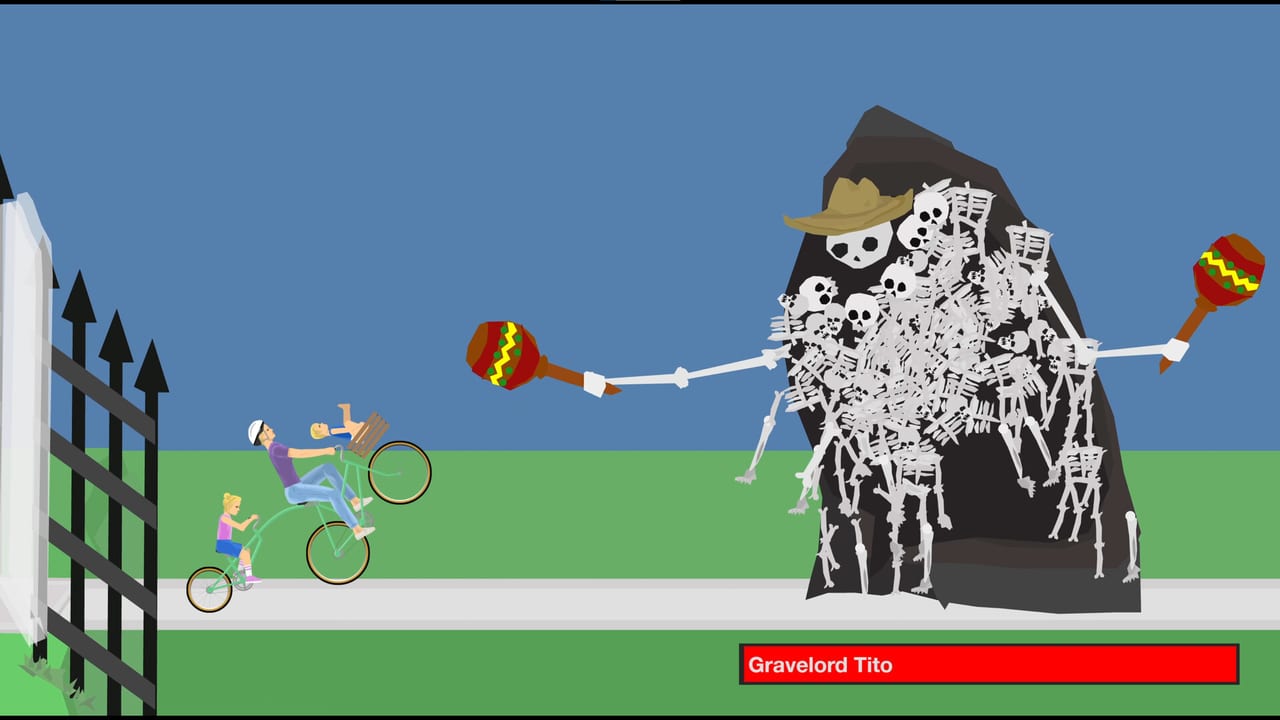
The Steam edition of Happy Wheels is not just a browser build wrapped in a desktop shell. Fancy Force added features that do not exist in the HTML5 client at Totaljerkface. This page documents what is new on Steam so browser players know exactly what changes when app 4705510 leaves coming-soon on 21 September 2026.
Community reports say the Steam build may wrap the JavaScript game in Chromium. Until that client is public, treat the checklist below as store-listing facts, not as confirmed hands-on findings. Some features depend on the store wording surviving to launch day.
Level Browser Select Date — NEW on Steam
The Steam version adds a Level Browser Select Date feature. This is not in the browser client. It lets you filter the community catalogue by date ranges so you can dig into ancient levels from 2010, 2011, or any specific era of the five-million-level archive.
The browser Level Browser sorts by newest, most played, or highest rated. Select Date adds a calendar layer on top of those sorts. If you want to replay the levels that defined the community before the mobile ports, before the HTML5 cutover, or before the 2026 v1.98.x physics patches, this is the tool.
This feature is Steam-exclusive. Browser players cannot date-filter the catalogue through Totaljerkface. It is one of the clearest reasons a longtime player might prefer the paid client over the free tab.
Steam Achievements and Stats — NEW on Steam
Happy Wheels on Steam ships with Unsavory Steam Achievements and Stats. The browser has no achievement system. Totaljerkface tracks level plays and featured placements, but not a Steam-style unlocked-chevron catalogue.
Achievement candidates on a ragdoll physics game will probably include level-finish counters, character-specific clears, and survival milestones. Until Fancy Force publishes the full list, treat “Unsavory” as the tone signal: cartoon dismemberment and dark comedy, not a family-friendly farming sim.
Stats likely track aggregate numbers: total distance travelled, characters used, levels completed, tokens collected across all runs. Steam profiles are public by default, so your stats page becomes a comparison surface for friends and the community.
This system is Steam-exclusive. Browser players earn nothing that carries over to the achievement page. If you care about locked accomplishments on a profile, the desktop client is where that history lives.
Account Linking to Steam ID — NEW on Steam
Fancy Force describes Totaljerkface accounts as shared or integrated with the Steam edition. The Steam build adds explicit link your old Happy Wheels account to your Steam ID functionality with auto-login across multiple devices.
What this means in practice:
- Your Totaljerkface username, saved editor work, and Level Browser history carry over instead of starting blank.
- Auto-login on multiple devices suggests the account links to a Fancy Force backend, not just local storage.
- You should not need to create a second Totaljerkface login “just in case” on Steam launch day.
Browser players who already have a Totaljerkface account: do not abandon it. The linking is bidirectional — your browser progress stays in the browser, and the Steam client reads the same identity. Wait for the in-game prompt on 21 September 2026 before you assume anything about merge behaviour.
Browser players with no account: creating one before the Steam date means your editor drafts and favourite levels attach to an identity that links cleanly. It is not required, but it reduces friction on launch day.
This feature is Steam-exclusive. The browser has no Steam ID binding.
Added Controller Support — NEW on Steam
Steam lists Added controller support as a new feature. The browser HTML5 client has partial touch and pad support from v1.96 (17 February 2024), but the Steam build explicitly calls out improved controller support as a selling point.
What “added” probably means versus the browser:
- Xbox controllers are named in the store listing, suggesting native binding rather than browser gamepad API workarounds.
- Partial support on browser became usable but not canonical. Steam makes pads a first-class path.
- The in-game customise controls screen on Steam should expose pad binds that the browser cannot match.
For the honest pad picture on the browser, see controller setup. For Steam-specific binds, wait for the 21 September 2026 options menu.
No Ads — the clearest paid-client difference
The store says it directly: complete lack of ads, I don’t like ads. The browser shows advertisements. The Steam edition does not.
This is the simplest upgrade. No pop-ups, no pre-roll, no sidebar. The game runs clean. It does not change the physics, the roster, or the level catalogue — it removes the interruption.
Browser players: ads fund the Totaljerkface server costs. If you use the free client, you see them. If you buy the Steam build, you do not. Neither is morally weighted here; they are two funding models for the same game.
What stays the same on Steam
These features exist in both clients:
- Level Editor. Same eight tools, same 20000×10000 stage, same ~900 shape budget.
- Level Browser. Same five-million-plus catalogue, same daily submissions, same sort by newest, most played, or highest rated — plus the new Select Date filter on Steam.
- All 11 characters. Same roster, same specials, same keyboard defaults.
- Physics and patch line. Community reports say Steam wraps the same JavaScript client. Browser patch v1.98.x should reflect in the Steam build.
- Single-player only. No additional human players.
Browser players: what to do before 21 September 2026
- Keep your Totaljerkface account if you have one.
- Learn the keyboard on the browser — the pad binds on Steam are new and may feel different.
- Bookmark your favourite featured levels so you can find them in the Steam catalogue.
- Use the browser as the live client until the store leaves coming-soon.
The new features on Steam — Select Date, Achievements, account linking, and added pad support — are reasons to prefer the desktop client if you have been playing the free browser for years. The catalogue is the same. The trophy wall and the date archaeologist are not.
Frequently Asked Questions
Quick answers to the most common Happy Wheels questions.
What is the Level Browser Select Date feature on Steam?
A date-filtering tool in the Steam Level Browser that lets you dig into the five-million-level archive by specific eras — 2010, 2011, before mobile ports, before HTML5. It does not exist in the browser client.
Does Happy Wheels on Steam have achievements?
Yes. Steam lists Unsavory Steam Achievements and Stats as a new feature. The browser has no achievement system. Full achievement list has not been published yet.
Can I link my Totaljerkface account to Steam?
Yes. The Steam build adds explicit account linking to your Steam ID with auto-login across devices. Your Totaljerkface username and saved editor work should carry over.
Is controller support better on Steam than the browser?
Steam lists Added controller support as a new feature and names Xbox controllers. The browser has partial pad support from v1.96 but treats keyboard as canonical. Steam makes pads a first-class path.
What is the main difference between the browser and Steam edition?
No ads on Steam is the clearest difference. Steam also adds Level Browser Select Date, Achievements, account linking, and improved controller support that do not exist in the browser.
Do Steam achievements and stats carry over from the browser?
No. The browser has no Steam achievement system. Stats tracked on Totaljerkface are separate from Steam profile stats. They do not merge.