
Happy Wheels Tools Hub
System requirements, controller caveats, and the options-menu settings that actually change a run.
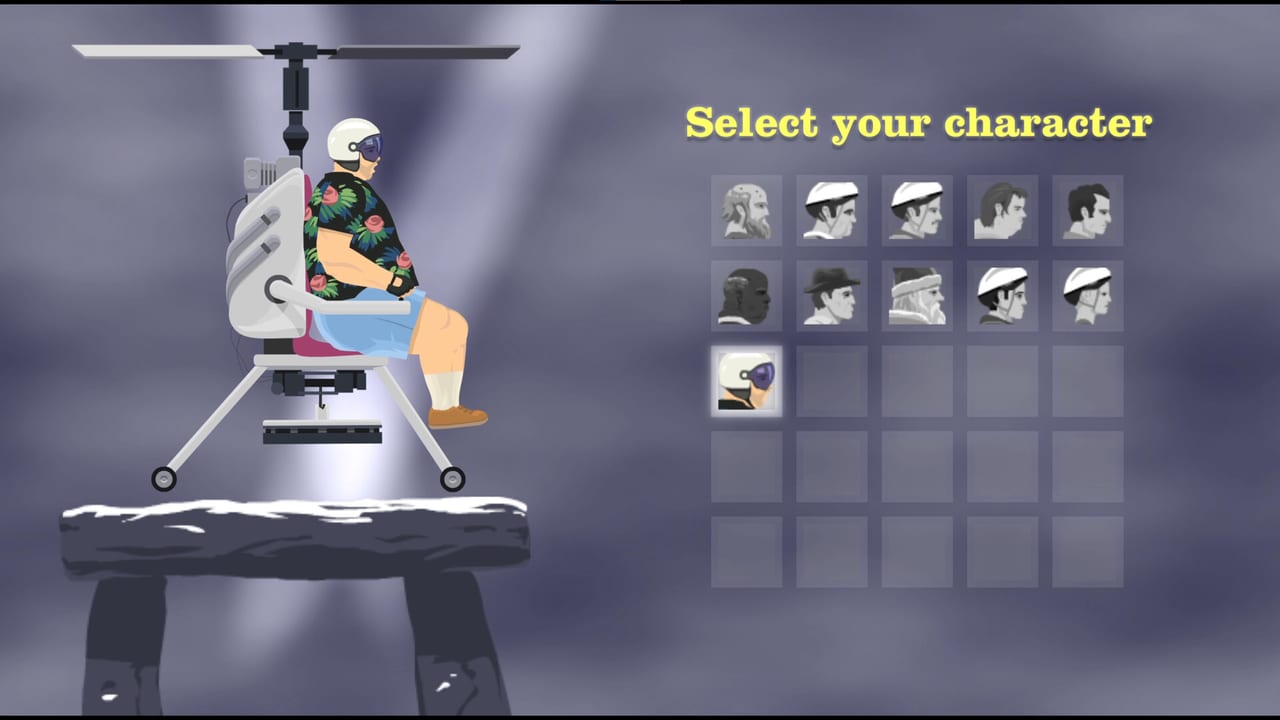
Happy Wheels does not ship a separate launcher, overlay suite, or third-party “optimizer”. The tools that matter are the ones already in the client: the options menu, customise controls, sound and music sliders, and — on the Steam side — a store page full of hardware checkboxes. This hub points at those settings and at the deep pages players search for: system requirements, controller setup, and the Deck Playable notes.
If you have never finished a level, stop here and open getting started first. Hardware and pads will not save a run if you have not learned lean and eject. If you already know the keyboard, use controls as the canonical map and this hub as the pre-flight list. The Steam vs browser page decides which client you bother to tune.
Two clients, two checklists
Browser (playable today). Open Totaljerkface in a desktop browser with WebGL enabled. The HTML5 port from 28 December 2020 is the full game: editor, Level Browser, ads, and the v1.98.x option-menu work. You do not download a 1 GB installer. You do need a GPU that can draw the ragdolls without falling back to software WebGL.
Steam (scheduled 21 September 2026). App 4705510 is not out yet. It lists Windows 10 64-bit, Linux (glibc 2.31 / Ubuntu 20.04), Steam Deck Playable, English only, partial controller support, and no macOS. Minimums are on system requirements. Price is unpublished. Do not buy a new GPU for a coming-soon page until you have run the browser build on the same machine.
Community reports say Steam may wrap the JavaScript game in Chromium. If that holds, the options menu you learn in the browser is the options menu you will see on Steam. Treat the report as community talk, then practice here anyway.
Options menu: the actual in-game tools
Open Options before you blame the physics.
- Sound and music sliders (v1.98.3, 29 August 2026). These are now separate. Drop music when a user level loops a short track. Keep sound up so you still hear impacts and ejects. Muting everything hides timing cues on maps that telegraph with audio.
- Customise controls. The browser lets you rebind. Keyboard is still the layout this wiki documents on controls. If you share a machine, save a screenshot of your binds; Happy Wheels will not host a cloud layout profile for you.
- Quality / WebGL related settings. If the client offers a quality toggle, test low before you assume you failed system requirements. A 4 GB laptop can run the browser and still chug on a thousand-shape editor map.
- Account. Totaljerkface accounts are the same identity Fancy Force describes as shared with Steam. Log in before you spend an hour in the editor so saves attach to a real user.
Do not install random “FPS unlockers” or overlay injectors. The 1.98.3 note already talks about high-refresh efficiency and 60 FPS camera/physics fixes. Third-party injectors are how people corrupt a ragdoll sim and then file a bug that is not a bug.
Controller pre-check
Steam lists Partial Controller Support and names Xbox controllers. That is not a full official button map, and this hub will not invent one. Read controller setup for the honest version: keyboard stays canonical, analog lean will feel different from arrow keys, and you should plan to rebind after 21 September 2026.
On the browser, plug the pad in, open customise controls, and bind only what you can test in a featured level. If a face button does nothing, that is what “partial” means. Keep a keyboard in reach.
Steam Deck is Playable, not Verified. Expect to open the same customise-controls screen on the handheld and to fall back to trackpads or a Bluetooth keyboard for the editor. The Deck Playable notes walk through Linux/SteamOS floors (glibc 2.31, 4 GB RAM, WebGL or DirectX 11, 1 GB disk), why the editor still wants a keyboard, and why partial Xbox support is not a full official map. Steam itself is still upcoming on 21 September 2026.
Hardware pre-check
Before you wishlist Steam or panic about a black canvas:
- CPU: Intel Core i3 or AMD equivalent at 2.0 GHz is the Steam minimum on both Windows and Linux.
- RAM: 4096 MB.
- GPU: WebGL / DirectX 11, Intel HD 4000 or better. Windows also lists DirectX 11.
- Disk: 1024 MB.
- OS: Windows 10 64-bit or Linux with glibc 2.31. No Mac SKU.
The browser often runs on weaker hardware because it is a tab, not a packaged Chromium shell. That is a maybe, not a spec. Full tables and the HD 4000 explanation are on system requirements. Compare clients on Steam vs browser after you know the machine boots the HTML5 build.
A ten-minute setup sequence
- Open Totaljerkface, confirm WebGL (a spinning character is enough).
- Log into a Totaljerkface account.
- Split sound and music sliders.
- Open customise controls; match controls or write down your exceptions.
- Finish one featured level using getting started habits.
- Only then plug in an Xbox pad and follow controller setup.
- If you care about ads, Deck, or Linux, read Steam vs browser and the Steam minimums.
Steam Deck is Playable, not Verified
Valve’s badge is Playable. It is not Verified, and Steam is still upcoming. The Deck Playable notes cover Linux/SteamOS floors, why the editor wants a keyboard, partial Xbox support, and the unofficial Chromium-wrapper report. Do not treat a coming-soon handheld checkbox as a day-one layout.
That sequence is the whole point of this hub: settings first, store page second. Happy Wheels is a physics toy, not a live-service that needs a companion app. If a setting is not in Options, it probably is not a real tool.
When v1.98.x adds another slider or the Steam client finally exposes its own config file, this hub will link to that page instead of inventing a registry tweak. Until 21 September 2026, your practical toolkit is still a browser tab, two volume sliders, and a control remap screen.
Frequently Asked Questions
Quick answers to the most common Happy Wheels questions.
Does Happy Wheels have official system requirements for the browser?
Totaljerkface does not publish a PC box the way Steam does. The numbers on system requirements are the Steam minimums (Core i3, 4 GB RAM, HD 4000 / WebGL, 1 GB disk). The HTML5 tab often runs on less, with no guarantee.
Where did the separate music and sound sliders come from?
Browser patch v1.98.3 on 29 August 2026. Open Options and split the two. Keep sound up even if you bury the music.
Can I remap Happy Wheels controls?
Yes. Use Options → customise controls in the browser. Keyboard remains the layout on controls. Expect to bind again on Steam after 21 September 2026.
Should I buy a controller before the Steam date?
Only if you already own an Xbox-compatible pad you want to test. Steam lists partial support, not a full official map. Read controller setup before you spend money for this game alone.
Is there a Happy Wheels companion app or overlay?
No. Ignore third-party "boosters". The useful tools are Options, customise controls, the Level Browser, and the level editor inside the game.
Is Happy Wheels Verified on Steam Deck?
No. The store lists Playable, not Verified, and Steam is still upcoming. Hardware, pad, and editor caveats are on the Deck Playable notes.