
Happy Wheels on Steam Deck
Playable, not Verified. Linux minimums, partial controller support, and a keyboard for the editor. Steam is not out yet.
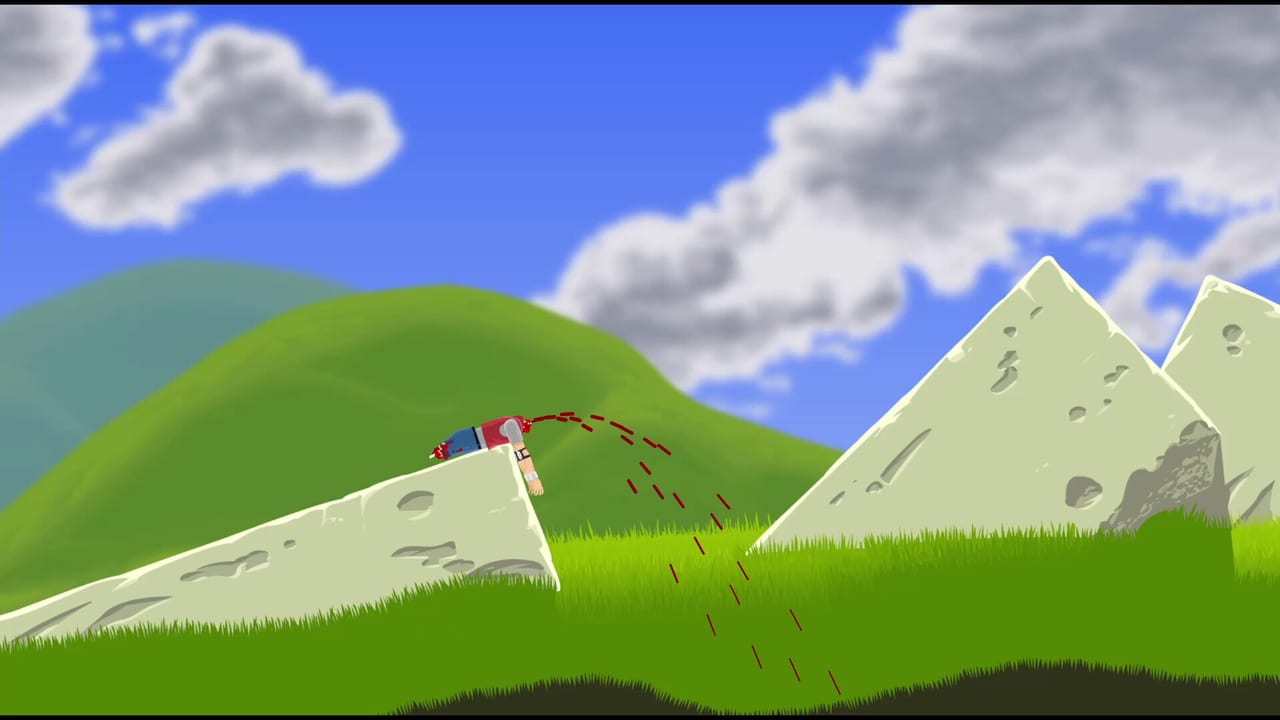
Valve marks Happy Wheels Playable on Steam Deck, not Verified. That badge is a store expectation, not a hands-on review of a shipped handheld build. Fancy Force scheduled the Steam edition (app 4705510) for 21 September 2026. It is not released. This page is how to read the Linux/SteamOS minimums, why a keyboard still matters, and why partial Xbox support is not a full official map. Until launch morning, the playable full game remains the HTML5 client at Totaljerkface.
Playable means Valve expects the title to run, possibly with extra steps: a community layout, missing glyphs, or a desktop-mode crutch. Verified would mean a handheld-ready UI with readable type and working controls in Game Mode. Happy Wheels does not have that badge. Do not buy a Deck for this game alone. Do not write a launch-day post that calls it Verified.
For the Windows/Linux table see system requirements. For pad philosophy see controller setup. For which client to use see the platform comparison. Store date, ads, and the unpublished price sit on Steam launch. Keyboard verbs live on controls.
Linux and SteamOS minimums (the only official box)
Steam lists a native Linux floor. SteamOS is a Linux stack, so the Deck is judged against that row, not against a Windows-exe-through-Proton promise the store never made.
| Area | Steam minimum (Linux) |
|---|---|
| OS | glibc 2.31 / Ubuntu 20.04 named baseline |
| CPU | Intel Core i3 / AMD equivalent, 2.0 GHz |
| RAM | 4096 MB |
| GPU | WebGL / DirectX 11 class (Intel HD 4000 or better) |
| Storage | 1024 MB |
Official Deck hardware sits above that table on paper: the APU is well past HD 4000, RAM is well past 4 GB, and SteamOS is well past glibc 2.31. Playable versus Verified is therefore not “will the chip boot a ragdoll.” It is “will menus, text fields, the editor, and community layouts feel like a handheld game.” A 2D physics toy can still fail Verified because the editor wants a pointer and the Options screen was built for a keyboard.
There is no macOS SKU. Deck is not a Mac. There is no recommended spec. English interface and English audio only. Happy Wheels is single-player. Family Sharing still requires a machine that meets the table; it does not put a second player on the cart.
Internet is required to browse community levels. Local play might work offline if a community Chromium-wrapper report is accurate; community maps still want a pipe. Phrase it that way until a public build exists.
Keyboard for the editor
Partial controller support is a runner feature. The user-level workshop is a mouse-and-keyboard tool: number keys 1–8, T to test, marquee select, undo, text fields, XML import. Deck trackpads can fake a mouse. They will not make vertex editing pleasant.
Plan:
- Play featured maps with the built-in controls after you rebind (see below).
- Keep a USB or Bluetooth keyboard within reach the first time you open the editor.
- Use trackpads as a pointer, not as analog lean, while you author.
- Do not expect Steam Deck Verified-style on-screen keyboards to replace a real editor session.
v1.92 already lets you import and export level XML while logged out on the HTML5 client. That is a desktop convenience. It does not turn the Deck into a tablet DAW. If your whole reason to own Happy Wheels is building maps, a Windows or Linux desktop with a mouse is still the honest device. The Deck is a playback screen with a compromise authoring path.
Partial controller support, on a handheld
Steam lists Partial Controller Support and names Xbox controllers. The Deck is not an Xbox pad, even though Steam Input can pretend. This wiki will not invent a face-button map. After 21 September 2026:
- Launch with the Deck’s own controller menu first.
- Open Options → customise controls in-game.
- Bind lean to a digital control (dpad) before you trust analog, because user maps were playtested on binary arrow keys.
- Bind accelerate, brake, eject, and specials only if the customise screen offers those actions.
- If a menu or text field ignores the pad, that is what “partial” means. Pull the keyboard.
Analog lean on the Deck’s stick will not match keyboard lean. Maps that want a one-frame tap of Left can overshoot. Learn the line on a keyboard using controls, then replay on the stick. If customise controls does not list an axis, stop. Do not install a random “Happy Wheels Deck profile” from a file host.
Xbox controllers remain the named family if you dock the handheld. Other pads may work through Steam Input. “May” is not a support matrix.
Community Chromium-wrapper report (unofficial)
Community talk says the Steam build may wrap the JavaScript game in Chromium. That is not an official Fancy Force architecture post. If it holds:
- The Options menu you already use on Totaljerkface is the Options menu you will see on Deck.
- Gamepad API plus Steam Input can double-read a stick. Disable leftover templates if lean fights a cursor.
- Community levels still need internet even if a local JS bundle runs offline.
- Performance is a WebGL tab inside a shell, not a rewritten native renderer. Huge user maps will hitch for the same reasons they hitch in Chrome.
Treat every sentence in this section as a maybe. Confirm on a shipped build. Until then, practice in a desktop browser so the keyboard is already yours.
Opening Totaljerkface in Deck desktop-mode Chrome today is a fan experiment. It is not the Steam SKU, it is not Verified, and it still shows ads. Useful for curiosity. Useless as a review of app 4705510.
What to do before 21 September 2026
- Play the free browser build on a desktop. Confirm WebGL. Split sound and music sliders (v1.98.3).
- Measure the Deck against system requirements even though the APU is above the floor — you are checking expectations, not shopping for a GPU.
- Read controller setup so “partial” does not surprise you.
- Decide with the platform comparison whether ads and a library wrapper matter to you. Price is unpublished; do not invent one.
- Wishlist app 4705510 if you want a store ping. Wishlisting does not download the game.
- On launch morning, confirm the store left coming-soon, then bind in Options, then try one featured map before you open the editor.
Happy Wheels on Deck will be a Playable physics toy in your hands, not a Verified handheld redesign. Bring a keyboard for the editor, expect to rebind, keep internet for the five-million-level catalogue, and remember the Steam client is still upcoming. The ragdoll does not care whether you failed on a school library PC or on a 7-inch screen. It only cares whether you leaned.
Frequently Asked Questions
Quick answers to the most common Happy Wheels questions.
Is Happy Wheels Verified on Steam Deck?
No. Valve lists Playable, not Verified. Steam is scheduled for 21 September 2026 and is not out yet. Read Steam launch for the date and system requirements for the Linux floor.
Does the Steam Deck meet Happy Wheels minimum specs?
On paper, yes: SteamOS is past glibc 2.31, RAM is past 4 GB, and the APU is past HD 4000 / WebGL. Playable versus Verified is about UI, layouts, and the editor, not about failing the CPU line.
Can I use the level editor on Steam Deck?
Expect a compromise. Partial controller support is a runner feature. Bring a keyboard and use trackpads as a mouse. The canonical hotkeys are on controls.
Will the Deck's built-in controls work without rebinding?
Do not assume that. Steam names Xbox controllers and partial support. Rebind in Options after 21 September 2026. Analog lean will not match keyboard lean. Details are on controller setup.
Is the Steam version a Chromium wrapper?
That is a community report, not an official Fancy Force post. If it holds, community maps still need internet and the Options menu should look like the HTML5 client. Confirm on a shipped build.
Can I play Happy Wheels on Deck today?
The Steam SKU is not out. The HTML5 game is playable now in a desktop browser. Opening Totaljerkface in Deck desktop-mode Chrome is a fan experiment, not the Steam edition. Compare clients on the platform comparison.