
Happy Wheels Controls
Keyboard is still the canonical layout. Steam adds partial controller support on 21 September 2026; check Options after that launch.
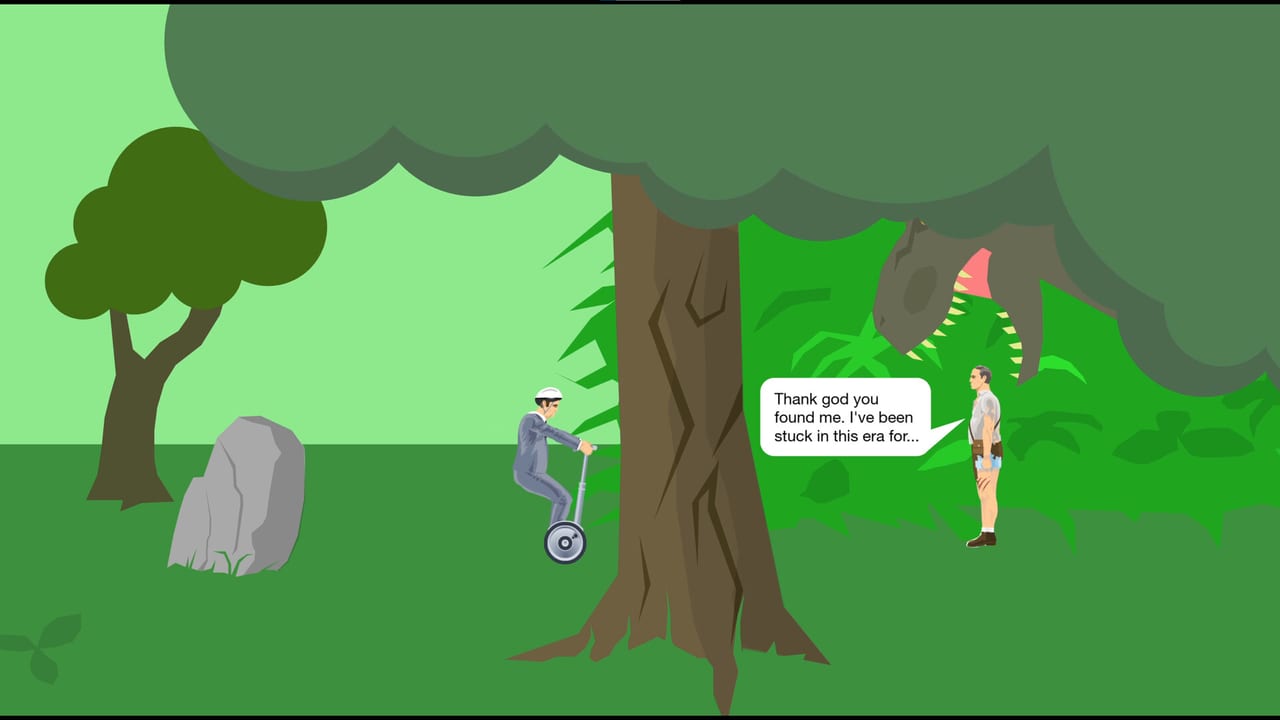
Happy Wheels looks chaotic because the ragdoll is honest, not because the keys are random. The same driving cluster works on every vehicle. Character specials sit on Space, Shift, and Ctrl. Eject is Z. After you leave the seat, the body becomes a second control mode. Learn those two layers and featured levels stop feeling like a coin flip.
If you have not finished a single map yet, park this page next to the first session plan and practice on a featured level. Steam players who want a pad should also open the Steam gamepad notes after the 21 September 2026 launch. Do not invent a binding list from a screenshot. Open Options in that client and read what Fancy Force actually shipped.
Default driving keys
| Action | Key |
|---|---|
| Accelerate | Up |
| Brake or reverse | Down |
| Lean left | Left |
| Lean right | Right |
| Eject | Z |
| Character specials | Space, Shift, Ctrl |
Lean is not cosmetic. Left and Right rotate the vehicle in the air and change the contact patch on slopes. Most jumps are won or lost in the half second after you leave a ramp. Hold the lean that keeps the wheels pointed at the landing, then release before you over-rotate.
Down is brake and reverse. On a bike it dumps speed. On a jet wheelchair it can fight the thrust. On a minecart it is how you refuse a bad rail.
After you eject
Z leaves the vehicle. Your leftover body uses a smaller map:
| Pose | Key |
|---|---|
| Straighten | Up |
| Curl | Down |
| Grab | Space |
Straighten when you need length to hook a ledge. Curl when you need to fit under a crusher. Grab is the difference between a corpse and a save on maps that leave bars or frames within arm’s reach. Effective Shopper can re-grab the cart. Explorer Guy can reattach to rails with a held Space while still seated.
New players eject because a spike is coming. That often puts the torso closer to the spike. Eject when the vehicle is about to enter a machine you cannot survive, or when a token is on a shelf the seat cannot reach. Stay seated through ordinary gaps.
Per-character specials
Space, Shift, and Ctrl change meaning with the roster. The launch-era vehicles and the later character specials pages explain why you would pick each body. This list is only the keys.
Wheelchair Guy. Space fires the jet. Shift and Ctrl rotate the jet. Fire in short bursts or you will loop into the ceiling.
Segway Guy. Space jumps. Shift and Ctrl change posture. Posture shortens the silhouette under bars and sets the jump angle. This is the cleanest keyboard teacher in the game.
Irresponsible Dad. Bike plus child seat. Space brakes. Z ejects both. Shift ejects Dad. Ctrl ejects the child. C cycles the camera. Finish-line maps usually need Dad’s torso. Token maps can still complete on the child.
Effective Shopper. Motorized cart. Space jumps. You can re-grab the cart after a spill if you still have a working grab.
Moped Couple. Space boosts. Ctrl brakes. Shift ejects the passenger. C cycles the camera. Brake before a boost if the next surface is a ramp, not a hallway.
Lawnmower Man. Space jumps. The mower is low and wide. Jump to clear curbs, not to fly.
Explorer Guy. Minecart. Hold Space to attach to rails. Shift and Ctrl lean. If you tap Space instead of holding it, you will leave a rail you meant to ride.
Santa Claus. Sleigh plus elves. Space floats. Float is a stall, not a jet. Use it to flatten a landing or to kiss a token.
Pogostick Man. Hold Space to charge a bounce, then release. Tapping Space gives a weak hop. Lean while charged so the stick hits the landing.
Helicopter Man. Magnet. Space releases. Shift and Ctrl raise and lower. Release on purpose over a safe floor.
Irresponsible Mom. Bike plus child, in the same family as Dad. Expect Space, Shift, Ctrl, Z, and C to follow the Dad pattern: brake, eject parent, eject child, eject both, camera.
Steam pads and Options
The Steam edition is scheduled for 21 September 2026. Store copy lists partial controller support. Not every keyboard special is guaranteed a perfect face-button twin. This wiki will not publish a guessed pad map. After launch, open Options and write down what you see. Until that screen exists, Up, Down, Left, Right, Z, Space, Shift, Ctrl, and C remain the canonical layout.
Keyboard also remains the better tool for the editor and for pixel leans. A pad is a comfort option, not a requirement.
A ten-minute drill
Open a flat featured level. Drive using only Up and lean. Add Down until you can stop on a mark. Eject once on purpose, straighten, curl, grab, then restart. Repeat with Segway Guy’s jump, then with Wheelchair Guy’s jet.
If a key does nothing, you are in the wrong mode: seated versus ejected. The roster is eleven deep. The keyboard is not. Master the shared cluster, then layer one special at a time.
Frequently Asked Questions
Quick answers to the most common Happy Wheels questions.
What are the default driving keys in Happy Wheels?
Up accelerates, Down brakes or reverses, Left and Right lean, and Z ejects. Space, Shift, and Ctrl are character specials. See the table at the top of this page.
How do I control the body after I eject?
Up straightens, Down curls, and Space grabs. That pose layer is how you hook ledges or re-grab a cart after you leave the seat.
Does every character use Space the same way?
No. Space is a jet, jump, brake, boost, rail attach, float, charged bounce, or magnet release depending on the vehicle. Check the per-character list here, then the later character specials.
Will Steam let me play Happy Wheels with a controller?
Steam lists partial controller support for the 21 September 2026 edition. Bindings are new; open Options after launch. Until then, use the keyboard and the Steam gamepad notes for setup context, not a guessed map.
Why do Shift and Ctrl feel different on some vehicles?
They rotate a jet, change posture, eject a parent or child, or raise a magnet. They are not a universal handbrake. Read the special for the character you spawned.