
Guides
Happy Wheels guides for browser play, the Level Browser, beating user maps, the editor, a 2026 review, and Steam on 21 September 2026.
View all GuidesControls, characters, the level editor, and the Steam launch — written for players who still want to finish the course.
Happy Wheels wiki covering controls, characters, the level editor, and the 21 Sep 2026 Steam launch from Fancy Force.
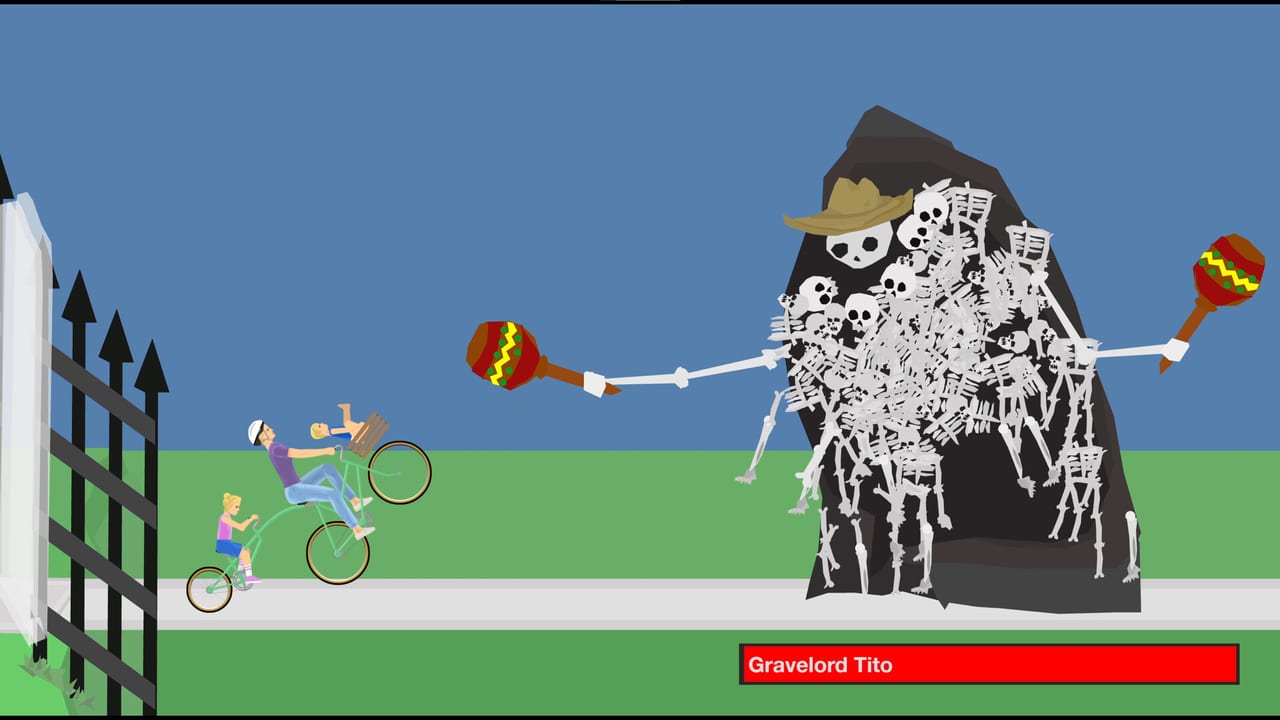
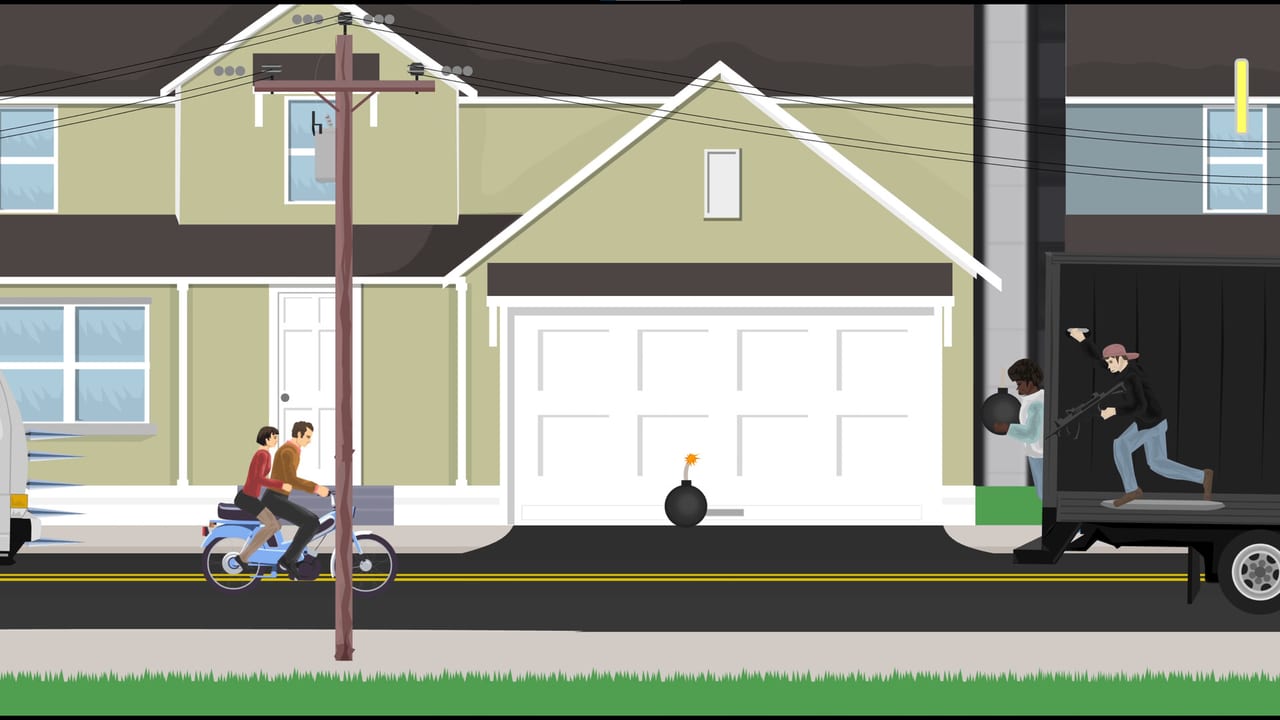
Happy Wheels is Jim Bonacci's side-scrolling ragdoll sandbox: pick an under-prepared racer, ignore the consequences, and try to cross a finish line. The free [browser build](https://totaljerkface.com/) is playable today. A paid Steam edition from Fancy Force is scheduled for 21 September 2026, with no ads, partial controller support, and the same community level browser. Start with the getting started guide, then learn controls, study the character roster, and check the Steam launch notes.
Happy Wheels guides for browser play, the Level Browser, beating user maps, the editor, a 2026 review, and Steam on 21 September 2026.
View all GuidesMeet all 11 Happy Wheels characters, grouped as original four and later roster, with vehicles, specials, and pick advice.
View all CharactersCommunity S through C tiers for general Happy Wheels user levels, plus map exceptions for rails, verticals, and boosts.
View all Tier ListHappy Wheels patch tracker for browser v1.98 notes, the 21 Sep 2026 Steam date, and live Totaljerkface changes.
View all UpdatesHappy Wheels checklists for Steam specs, Steam Deck Playable caveats, Xbox pad notes, and option-menu remaps before you play.
View all ToolsOfficial Happy Wheels links for Totaljerkface, Steam app 4705510, and Discord. This fan wiki is unofficial, not Fancy Force.
View all LinksOpen [Totaljerkface](https://totaljerkface.com/) and finish one featured level before you touch Steam. The getting started guide explains the finish-line rule.
Arrow keys drive every vehicle, Z ejects, and Space / Shift / Ctrl change by character. The controls page maps keyboard and the new Steam controller layout.
Wheelchair Guy flies gaps. Segway Guy jumps. Irresponsible Dad brakes. Compare them in the character roster and the tier list.
Many user levels hide the real win condition. How to beat levels covers tokens, forced characters, and when to eject on purpose.
Steam (21 September 2026) is ad-free with partial controller support. The browser stays free. Read Steam vs browser and the system requirements before you wishlist.
Quick answers to the most common Happy Wheels questions.
Fancy Force scheduled the Steam edition for 21 September 2026. It is not out yet. Wishlist it on Steam and keep playing the free browser build until then. Details live on the Steam launch page.
The HTML5 browser game at Totaljerkface is still free (with ads). The Steam edition is a paid product; the store has not published a price. Compare both on Steam vs browser.
No. Happy Wheels is single-player. Multi-body characters such as Irresponsible Dad put extra ragdolls on one vehicle, but they are not a second human player. See the character roster.
This wiki supports: English, Français, Deutsch, Español. Configure locales in site.meta.json and run npm run generate:i18n.
Read Getting Started, print the controls in your head, then pick a beginner vehicle from the tier list.
Use featured PLAY first, then Browse Levels. The Level Browser covers sort, load-by-ID, and copy URL. For whether the game is still worth it, read the review.
Fancy Force says Totaljerkface accounts will be shared with the Steam release so you do not rebuild your profile from scratch. Confirm on the Steam launch notes when the store unlocks.
No. This is a fan-made Happy Wheels wiki. Always verify dates, prices, and patches on [Totaljerkface](https://totaljerkface.com/) or the [Steam page](https://store.steampowered.com/app/4705510/Happy_Wheels/).
Lean, eject, and pick the right vehicle. Start with the beginner guide or jump to the character tier list and the Steam vs browser comparison.
Start with the beginner guide