
Happy Wheels Level Browser
Featured PLAY versus Browse Levels, sort and refresh, load by ID or URL, and why community maps need internet.
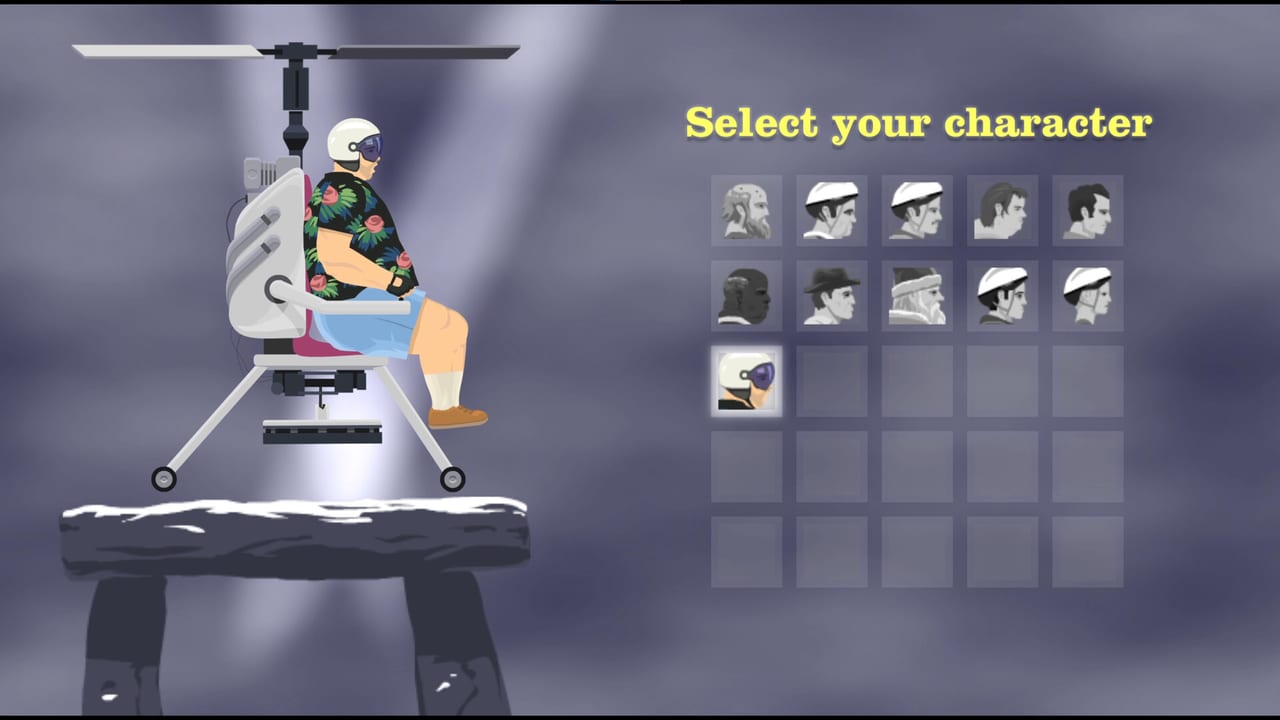
Happy Wheels is not a fifty-stage campaign. It is a physics toy plus a catalogue. Jim Bonacci and Fancy Force keep the live HTML5 game free, with ads, at Totaljerkface. The catalogue is the reason the toy still has an audience: more than five million user levels, plus a short featured list Jim picks by hand. This page is how you actually find a map. The Steam edition (app 4705510) advertises a Level Browser for 21 September 2026. It is not out yet. Learn the buttons in the browser so Steam’s copy of the same idea is not a mystery.
If you have never finished a course, park this tab next to the first-hour checklist and clear one featured map before you dive into search. User levels assume you already know lean, eject, and the finish-line versus token rule from how finish-line maps actually fail. Happy Wheels is single-player. A second ragdoll on a bike is not a second human.
Featured PLAY versus Browse Levels
The main menu splits the catalogue on purpose.
PLAY opens featured levels. Historically that list has held about 139 maps. Jim chooses them. He has not published a scoring rubric. Treat featured as a quality filter, not as a campaign order. These are the maps most first-timers should finish. They still kill you. They are less likely to be a five-star-begging hallway or a deleted duplicate.
Browse Levels (the user Level Browser) is the rest of the pile. Daily submissions land here. Sort, search, and load-by-ID live here. A featured map can also appear in the user browser; featured is a spotlight, not a separate file format.
Play featured until lean is automatic. Then open Browse Levels when you want a friend’s map, a new daily, or a specific ID from Discord. Do not start your first hour in most-recent sort. Most-recent is a firehose.
Sort, refresh, and the “0” search
Inside Browse Levels you can sort most recent, most played, or highest rated. Hit the refresh arrow (the curved arrow) after you change sort so the list actually rebuilds. Stale thumbnails are how people think the catalogue is frozen.
- Most recent is for authors watching a publish land, or for players who like untested jokes. Quality is a coin flip.
- Most played surfaces maps the internet already survived. Play counts are not the same as fairness.
- Highest rated is the closest thing to a community quality sort. Ratings still get gamed. Read the description anyway.
If you search “0”, the browser shows all current levels instead of a “no levels found” dead end. That is a known trick, not a cheat code. Use it when you want the unfiltered list and you already accept the noise.
Clicking a character head while browsing greys out maps that do not match that forced-character rule (and the reverse). Click the head again to clear the filter. Forced character is a puzzle lock; see how finish-line maps actually fail before you fight a minecart rail with Wheelchair Guy.
Load by ID or URL
Load Level / Replay on the main menu accepts a level ID, a replay ID, or a full URL. That feature has existed since v1.61. Paste the number at the end of a Totaljerkface level link, or paste the whole URL, then hit load.
- ID 1 is the first map that ever existed (Happy Green Hills in the Flash era). IDs can skip; deleted maps leave holes.
- If the text is not an ID, the client prints “ID is invalid.” in red. That is the entire error. Check the paste.
- A deleted replay, or a replay that was never created, fails with its own missing-replay message. Do not confuse that with an invalid ID.
v1.89 (9 July 2022) made the browser URL update to the current level or replay while you play. Share the address bar after you open a map and a friend can load the same ID. v1.95.1 (18 August 2023) added a copy URL button on the level and replay browser so you do not have to highlight the pink ID by hand. The parent v1.95 line landed on 11 August 2023 with FPS and load-time work; the copy button is the 1.95.1 note. Use copy URL, then paste into Discord or into Load Level.
Internet is required to fetch community maps. An offline laptop will not download a featured course or a user ID. Editor drafts can live locally; the five-million-plus pile is not a zip on your disk. The same constraint is on the platform comparison: both clients need a pipe for the catalogue.
Mobile search is not the PC catalogue
The official mobile apps historically cannot search the full PC user catalogue the same way the desktop HTML5 client can. A 2024 video still says you cannot search levels in the mobile app the way PC can. Do not expect the iOS (20 August 2015) or Android (25 January 2020) store builds to be a pocket Level Browser. If a friend sends an ID, open it on a desktop browser at Totaljerkface.
v1.96 (17 February 2024) added proper touch controls to the HTML5 client, with fixes for character selection, the featured menu, and the level/replay browser, plus a force enable/disable option. That helps a tablet running the website. It does not turn the old mobile SKU into the PC search box. For touch versus keyboard binds, keep controls nearby; this page is about finding maps, not driving them.
What Steam lists, and what it does not change
Fancy Force’s Steam page lists a Level Browser, daily user submissions, and 5+ million community levels for the 21 September 2026 client. That is a store feature row, not a second workshop with a new query language. Until the desktop build ships, the working browser is Totaljerkface. Wishlist the Steam store page if you want the ad-free session later. Dates and the unpublished price sit on Steam launch.
Totaljerkface accounts are described as shared with Steam. A map you favorite or publish now is not wasted. Publishing itself is the user-level workshop job: tools 1–8, T to test, then save. This page only covers how other people find what you shipped.
Community reports say Steam may wrap the JavaScript game in Chromium. Treat that as a community report, not an official architecture post. If it holds, the same Load Level box and copy-URL button are the ones you will see on Windows and Linux. Internet will still be the requirement for browsing.
A practical browse loop
- Finish one featured PLAY map using the first-hour checklist.
- Open Browse Levels. Sort highest rated. Refresh.
- Read the title, the forced-character icon, and the description twice. Look for “token” versus a finish line.
- If a friend sent a link, use Load Level with the ID or URL, or hit copy URL from a map you already opened.
- If the ID is invalid, stop. The client already told you. Do not hammer random numbers.
- After a clear or five honest deaths, either retry with how finish-line maps actually fail or leave the map. The catalogue is large enough to abandon a meat grinder.
- When you want to build instead of hunt, leave this page for the user-level workshop.
Search is not a skill check. Reading the description is. The Level Browser will happily serve you a masterpiece and a duplicate of a masterpiece in the same refresh. Featured PLAY is the short honest list. Browse Levels is the archive. Steam will advertise both on 21 September 2026. Until that morning, the archive is a browser tab, a copy-URL button, and a connection that can reach Totaljerkface.
Frequently Asked Questions
Quick answers to the most common Happy Wheels questions.
Where is the Happy Wheels Level Browser?
On Totaljerkface, use PLAY for Jim's featured list and Browse Levels for the user catalogue. Steam advertises a Level Browser for 21 September 2026; that client is not out yet. Start with the first-hour checklist if you have never finished a featured map.
How do I load a Happy Wheels level by ID?
Open Load Level/Replay on the main menu and paste the numeric ID or the full URL. Invalid text prints "ID is invalid." Search "0" in Browse Levels to list all current maps. v1.61 added load-by-ID; v1.95.1 added a copy URL button.
What is the difference between featured levels and Browse Levels?
PLAY opens featured maps Jim picks (about 139 historically). Browse Levels is the 5+ million user archive, sortable by most recent, most played, or highest rated. Featured can still appear in the user list; it is a spotlight.
Can the mobile app search the full PC catalogue?
Historically no. The official mobile apps do not search the full PC user catalogue the way the desktop HTML5 client can. Open IDs on a desktop browser. v1.96 added touch controls to the website; that is not the old mobile SKU.
Do I need internet for community maps?
Yes. Featured and user levels download from Totaljerkface. Editor drafts can be local; the catalogue is not. The same rule is on the platform comparison for the upcoming Steam client.
Will Steam have a different Level Browser?
The store lists a Level Browser, daily submissions, and 5+ million maps. Treat it as the same catalogue in an ad-free client until Fancy Force publishes otherwise. Dates sit on Steam launch. Build tools sit on the user-level workshop.