
Happy Wheels Controller Setup
Partial pad support, Xbox controllers named, no official full map. Keyboard remains the reference layout.
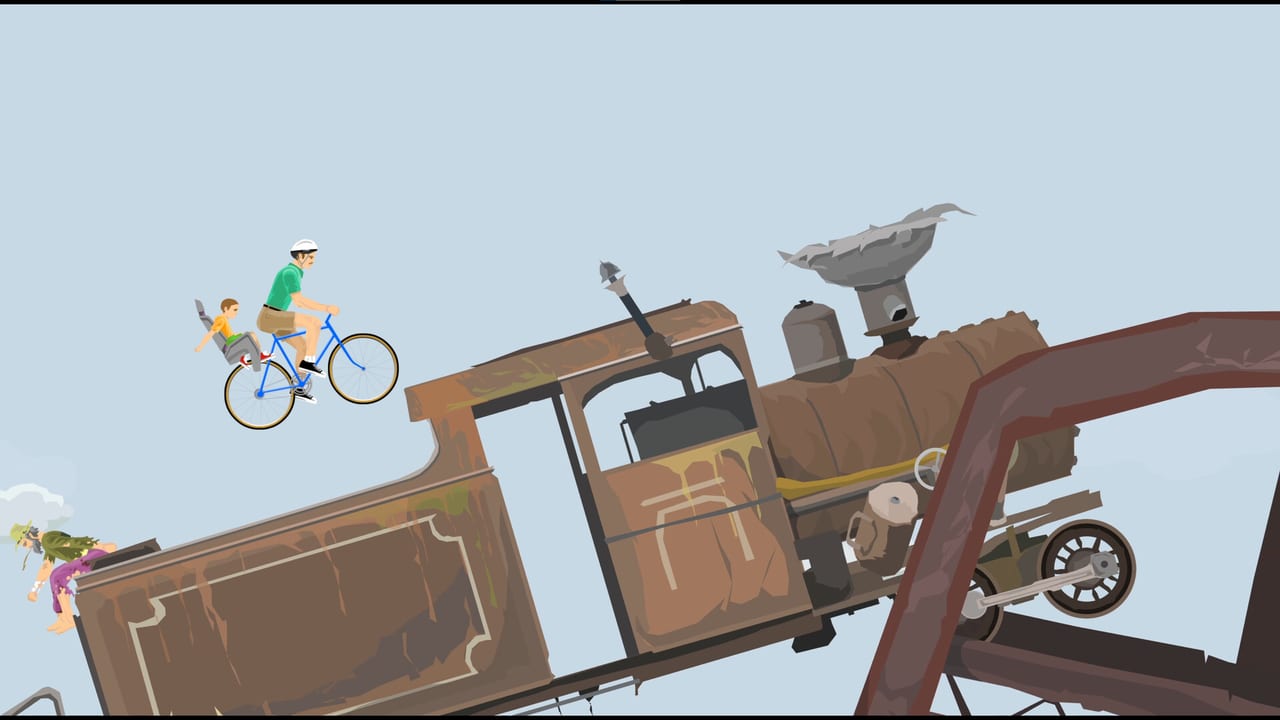
Steam lists Happy Wheels with Partial Controller Support and names Xbox controllers. That is the entire official pad story until 21 September 2026. This page will not invent a full button map, will not guess which face button ejects, and will not pretend a DualSense glyph sheet exists. The layout this wiki treats as canonical is still the keyboard on controls. Everything below is how to plug in a pad without lying to yourself.
The Steam edition is scheduled, not shipped. Rebind plans belong after 21 September 2026, when you can actually open the desktop client’s Options screen. Until then, practice in the HTML5 game on Totaljerkface and read getting started so lean and eject exist in muscle memory before analog drift enters the chat. Client differences sit on Steam vs browser. Hardware floors sit on system requirements. Store date and English-only UI sit on Steam launch.
What “partial” means in practice
Partial Controller Support on Steam is a store checkbox. It usually means:
- Some actions are reachable from a pad.
- Some menus, text fields, or editor tools still want a keyboard and mouse.
- The developer named a family of devices (here: Xbox controllers) rather than claiming every pad, every gyro, and every Steam Input template is blessed.
It does not mean a 1:1 fighting-game layout. Happy Wheels actions are oddly analog already: lean is a held direction, accelerate and brake are held keys, eject is a tap, and each character’s special is its own key. Mapping that onto a stick plus two triggers is possible, but it will not feel like the arrow-key game you learned on a school library PC.
This wiki will not print a fake table such as “A = eject, LT = brake”. If Fancy Force or Totaljerkface publish a map after launch, it belongs here. Until that document exists, open Options → customise controls and bind what you can test.
Keyboard remains canonical
Every long-term Happy Wheels guide assumes:
- Arrow keys (or WASD, if you rebound them) for lean and throttle.
- A dedicated eject key (commonly Z in community talk — confirm on controls, do not trust a decade-old image).
- Character specials on Space / Shift / Ctrl depending on the body in the vehicle.
That set is what featured levels and most user maps were playtested against. A pad that only exposes a digital hat for lean will feel closer to keyboard. A pad that exposes a true analog stick will leak small lean angles you never sent with a key. That is the important feel difference, and it is the one thing this page will repeat: leaning on analog sticks will not match keyboard lean.
If a user level is built around a one-frame tap of “left”, a stick’s deadzone can eat the tap or overshoot it. When a map feels “impossible on pad”, switch back to keys before you blame the author.
Browser: Options → customise controls
On Totaljerkface today:
- Plug in the Xbox pad (USB or wireless dongle). Browser Gamepad API support varies by browser; if the page never sees a device, the game cannot bind it.
- Open Options.
- Open customise controls.
- Bind only the actions you can prove in a featured level: lean, accelerate, brake, eject, special.
- Leave the keyboard binds intact so you can grab arrows mid-run when the pad drops a frame of input.
Do not expect the level editor to be pleasant on a pad. Selection, undo, redo, pan, and the save menu from the v1.98.x changelog are mouse-and-keyboard tools. Partial support is a runner feature, not an authoring feature.
If customise controls does not list a pad axis, stop. That is partial support showing itself. Play with keys. File a polite question on the Happy Wheels Discord instead of installing a third-party remapper that injects into the browser process.
Steam after 21 September 2026: expect to rebind
Plan on a fresh bind pass the first time you launch the Steam client. Reasons:
- Steam Input may sit between your Xbox pad and the game.
- A Chromium-wrapped build (community report, not an official architecture post) may see the Gamepad API the same way the browser does, or it may see Steam’s virtual pad instead.
- English-only UI means the Options labels will be the English labels you already know, not a localised mystery screen.
Steps that will still be correct even if the exact menu names shift:
- Launch with the pad already connected.
- Disable any leftover Steam Input template if the game double-reads a stick (lean + camera, or lean + UI).
- Open Options → customise controls.
- Bind lean to a digital control first (dpad) if analog overshoot wrecks you.
- Only then try analog lean and raise deadzone in Steam Input if needed.
- Keep a keyboard nearby for the editor, text fields (v1.98 native text input), and any menu the pad cannot focus.
Xbox controllers are the named devices. Other pads may work through Steam Input. “May” is not a support matrix. If you only buy one pad for this game, buy the family Fancy Force bothered to list.
Analog lean versus keys
Keyboard lean is binary: you are holding left or you are not. Physics then integrates that into body rotation. Analog lean sends a value between 0 and 1. On a sensitive map — a unicycle on a chain, a wheelchair on a rail — that extra range can be useful. On a map that expects a slam-left tap to clear a spike, it can kill you.
Practical approach:
- Learn the level on keyboard using getting started habits (look for tokens, forced characters, fake finish lines).
- Replay on pad only after you know the intended line.
- If analog lean consistently over-rotates, bind lean to dpad and treat triggers as accelerate/brake only if the customise screen offers those axes.
Again: no invented default. If the customise screen does not offer an axis, it is not yours to force.
Deck, Linux, and the rest of the machine
Steam Deck is Playable. That badge is about the whole client, not a guarantee that the official Xbox layout is already in Valve’s database on day one. Use the Deck’s own controller menu, then the in-game customise-controls screen. The editor will still want trackpads as a mouse.
Linux users on desktop should confirm the pad in the OS before blaming Happy Wheels. The Steam minimum names glibc 2.31 / Ubuntu 20.04; it does not name a controller driver. See system requirements.
No macOS Steam SKU exists, so there is no official Mac pad story. Browser Gamepad API on a Mac is between you and the browser vendor.
What not to do
- Do not download a “Happy Wheels controller profile” from a random file host.
- Do not assume PlayStation button prompts. The store named Xbox.
- Do not skip keyboard practice. Partial support is a convenience layer on a key-driven physics toy.
- Do not expect Fancy Force to add gyro tricks, adaptive triggers, or a second local player because a pad has four extra buttons. The game is single-player.
If you came here from a search for “Happy Wheels Xbox controls”, the honest answer is: partial support is listed, a full map is not, keyboard is still the reference, rebind in Options, and wait until 21 September 2026 to see how Steam Input behaves. That sentence is more useful than a fake diagram.
When the Steam client is actually in players’ hands, this page should gain a verified bind table or a screenshot of the official customise-controls screen — not before. Until that date, keep the Xbox pad in the drawer and finish a few Totaljerkface levels with the keys that the last fifteen years of maps already assume.
Frequently Asked Questions
Quick answers to the most common Happy Wheels questions.
Does Happy Wheels have an official controller map?
No full official map is published. Steam lists Partial Controller Support and Xbox controllers. Use Options → customise controls, and keep the keyboard layout on controls as the reference.
Will my Xbox pad work on Steam on 21 September 2026?
Xbox controllers are the devices the store names. You should still expect to rebind after launch. Partial support is not a promise that every menu and the level editor are pad-native.
Why does analog lean feel different from keyboard?
Keys send binary lean. A stick sends a range. Maps built around tap-leans can overshoot on analog. Learn the line on keyboard first via getting started, then try the stick.
Can I play the browser game with a controller today?
Sometimes, if your browser exposes the Gamepad API and customise controls sees the device. If it does not, that is what partial support looks like. Keep a keyboard ready.
Does Steam Deck change the control story?
Deck is marked Playable, not Verified. Use Steam's layout tools, then in-game customise controls. Editor work still wants a pointer. Hardware floors are on system requirements.
Should I use Steam Input?
After 21 September 2026, try the in-game customise-controls screen first. Enable a Steam Input template only if the game cannot see the pad or double-reads a stick. There is no official Happy Wheels template to quote today.